Product Introduction:
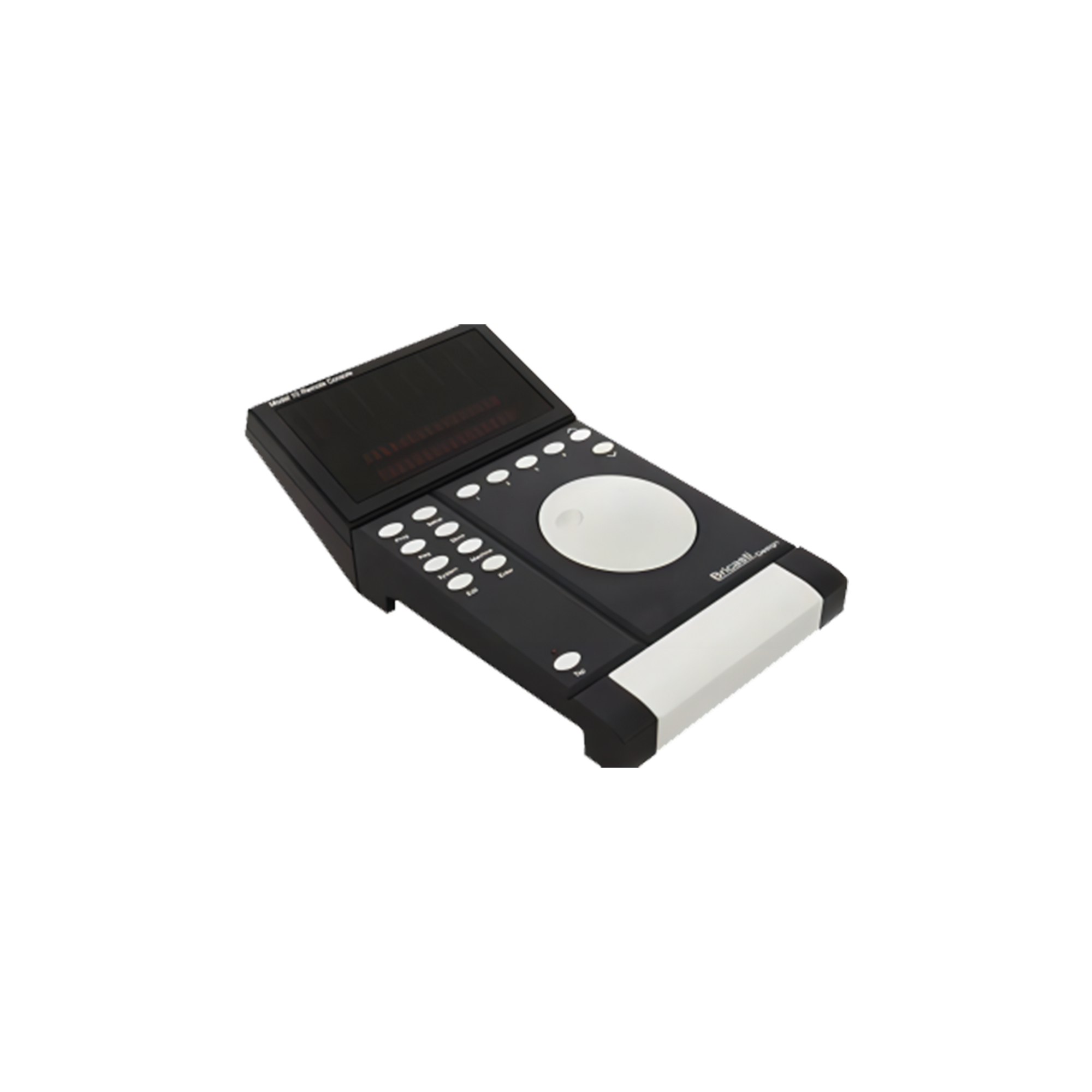
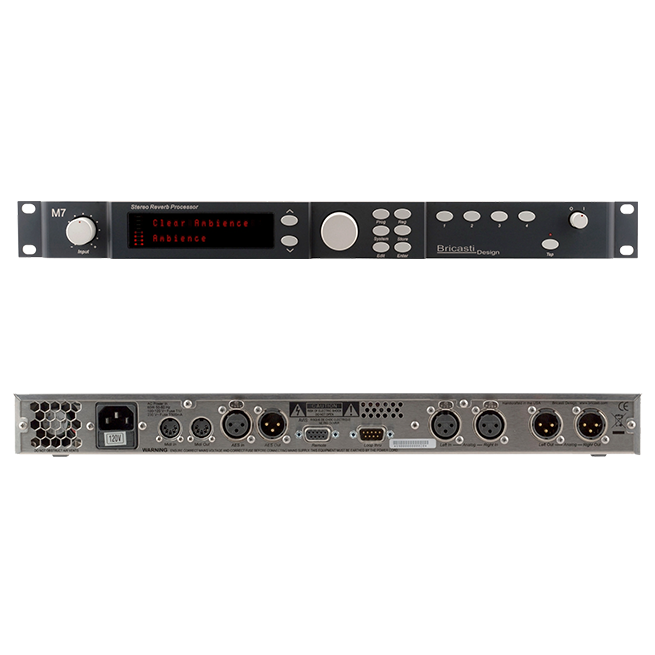
We designed the M10 for professional audio engineers to control one or multiple M7 processors. With an identical user interface to the M7, it requires no relearning process.
When selecting an M7 for control, the M10 simply mirrors the state of that particular M7 processor.
M10 Operation Guide
Introduction to M10 Control Keys and Display
● Level Meters
An 8-segment input level display capable of simultaneously showing 4 sets of stereo channels across two layers. It can indicate the corresponding channel and processor number being displayed.
● Channel / Unit Indicators
Below the level meters are two layers of 8 backlit text displays, indicating which processor is currently being controlled. The first layer displays processors #1 to #4, and the second layer displays processors #5 to #8. The active group of unit numbers will be lit, and the processor currently under control will be highlighted.
● Display Area
Identical to the M7, the display area shows information related to Programs, Edit parameters, and System parameters. Additionally, it displays the unit number of the processor currently being controlled.
● Cursor Up/Down Keys
Used for navigation within menus and lists on the display.
● Program Selection & Parameter Knob
Controls the function shown at the top of the display. In Program Mode, it is used for quick program selection. In Edit Mode, it adjusts effect parameters.
● System Key
Navigates to the System Menu interface, allowing users to configure system parameters.
● Edit Key
Navigates to the Edit interface of the currently running program on the selected processor.
● Enter Key
Used on the selected processor to confirm actions, such as loading a selected program.
● Store Key
Used on the selected processor to store an edited program into the User Registry.
● Program Key
Navigates to Program Select Mode. Use the Program Selection knob to choose a program and the Enter key to confirm.
● Reg (Registry) Key
Navigates to the User Registry, allowing users to access edited, named, and stored presets.
● Mach (Machine Select) Key
Selects the specific M7 processor you wish to control. This key is inactive when the M10 is connected to only a single M7.
● Quick Key
In Program Mode, used to set and Quick Save presets across the system setup.
● Setup Key
Used to save the settings of multiple processors and other configurations adjusted by the M10.
● Tap (Reserved Function) Key
Reserved for future functionality and firmware updates.